
I have been using Windows at work for like 20+ years now. For a long time it mostly worked. Of course, there were ups and downs, skipped Windows releases (ME, 8.x) but it was a reliable work horse and sometimes simply required by the projects or customers.
Prelude
Fast forward to this year and I am seriously getting fed up with it. Starting in january 2026 my updates stopped working. Pouring effort, time, debugging and many failed upgrade attempts did not solve the situation, luckily I could switch to a new work machine and abandon the old one.
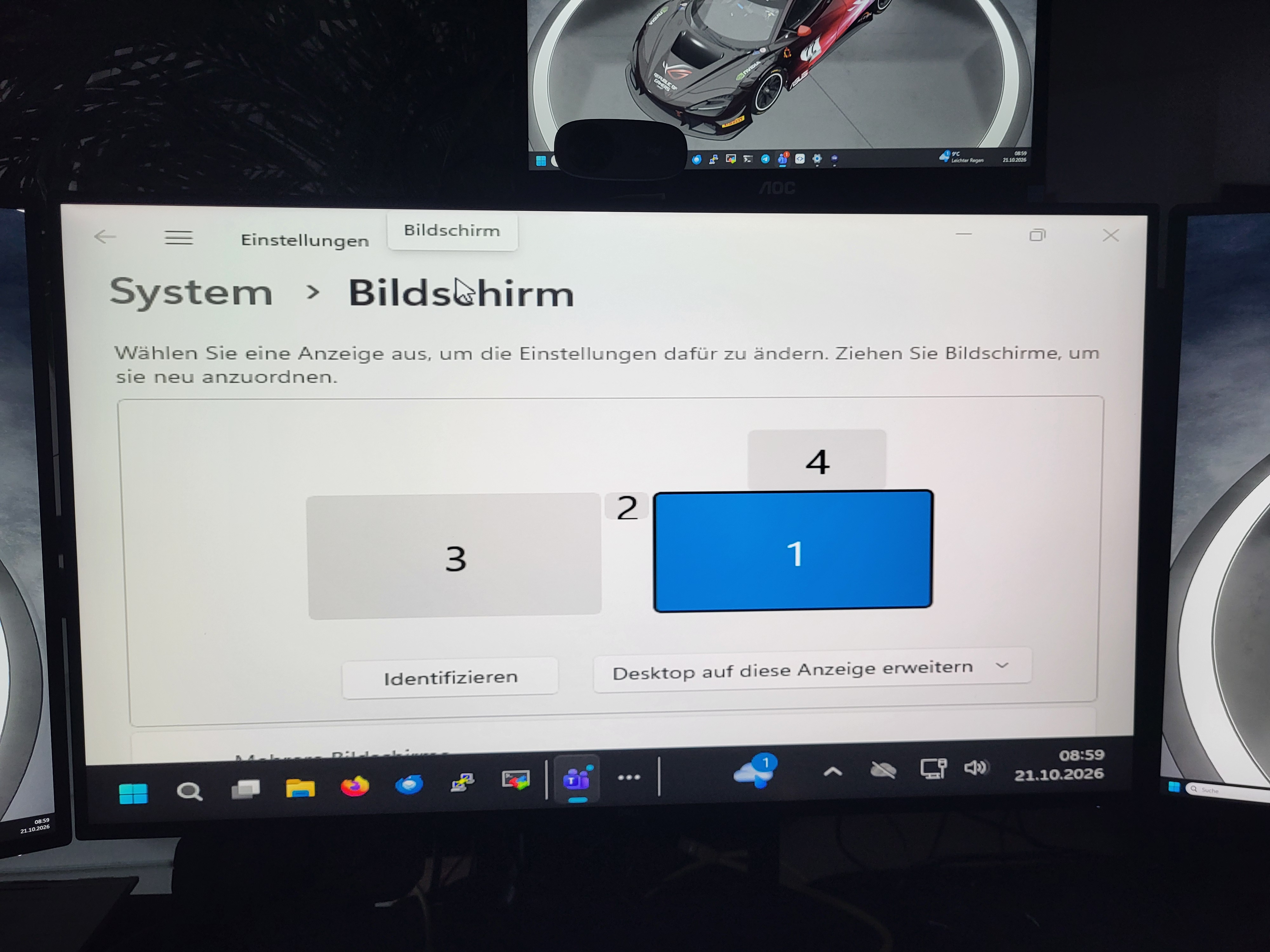
My other work machine has had a 4 display setup for years, a couple of weeks ago it started getting resolutions wrong (and unchangeable) and did not remember the unchanged setup:
The final nail in the coffin
Then I was trying to debug a python application doing XML-RPC to a host over VPN. Somehow running the app using a dockerized “remote-interpreter” in PyCharm led to timeouts I could not explain.
So I took a step back, opened up my WSL2 Ubuntu to issue the same request using a simple curl command and that worked without issues. Ok, basic connectivity and working access to the API was confirmed, so I tried running my app not from the IDE but from the ubuntu terminal – and the yak shaving began…
This is where thing got really nasty: Commands like pip failed with SSL-error messages when trying to install some dependencies:
Could not fetch URL https://pypi.org/simple/charset-normalizer/: There was a problem confirming the ssl certificate: [SSL: DECRYPTION_FAILED_OR_BAD_RECORD_MAC] decryption failed or bad record mac (_ssl.c:2570) - skipping INFO: pip is looking at multiple versions of requests to determine which version is compatible with other requirements.
Using the Brower or the IDE there were no problems with pypi whatsoever. So I called AI for help. Of course it had some crappy advice at first like disabling SSL, firewall issues, anti-virus software or unstable wifi (I was on cable-connected internet).
When trying trusting the host the problems persisted and the AI slowly got on track by suggesting disabling software optimizations in the linux kernel (GSO and GRO) and lowering the MTU.
A few failed workarounds later it suggested to deactivate Large Send Offload (LSO, another software optimization for the network stack) in Windows. This finally fixed all the networking and SSL problems I had experienced.
It just had cost my another couple of hours fighting the OS instead of working on real problems or features for our customers.
Conclusion
So to save some more gray hair and money for our company and our customers I finally decided to switch to Linux where I am at least not paying for a steadily declining user experience and mysterious, time consuming hiccups. Farewell Microsoft and Windows, welcome Linux!

